
Step 1: Navigate to Metrics and Assessments
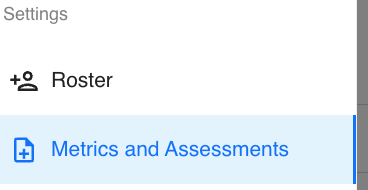
On the left-hand sidebar, scroll down to the Settings section and click Metrics and Assessments. This will open your Metrics Table, displaying all the existing metrics in your organization.
Step 2: Adding a Metric
Here you’ll see your organization’s metrics table, listing all the existing metrics.
In the top right corner of the table, click the blue “+ Add Metric” button to create a new one.

Step 3: Select a Metric from the Catalog
A window titled “Add Metric” will appear.
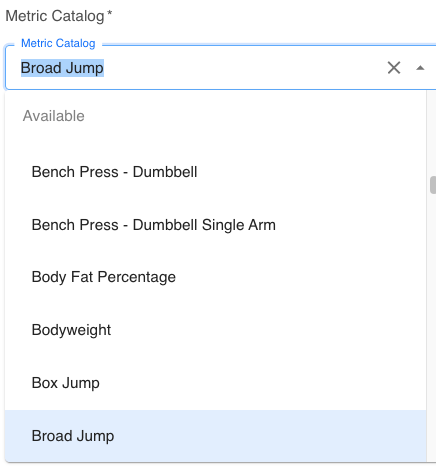
- The first field is Metric Catalog, where you can search for and select the desired metric.
- Start typing the name of the metric you’d like to add. Tully will automatically filter from a list of pre-created metrics already available in the system.
- If the metric already exists, select it from the dropdown list.
Step 4: Review Description and Assign Teams
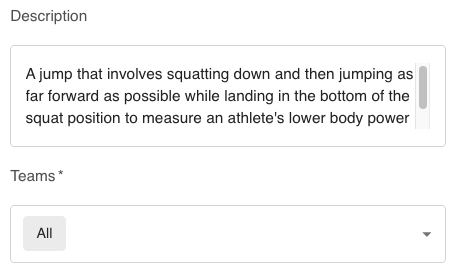
Once a metric is selected, the description field will automatically populate with an explanation of what the metric measures.
Next, assign which teams this metric applies to. You can select All or specific teams within your organization.
Step 5: Choose Unit Preference
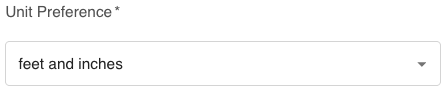
Set your Unit Preference
-
For example, seconds, pounds, or inches — depending on how the metric is tracked.
-
Some metrics have this predetermined; others may require manual selection.
Step 6: Add the Metric
Once all fields are complete, click the blue “Add” button in the bottom right corner.
Your new metric will now appear in the Metrics and Assessments table and be available for data collection.