
Step 1: Navigate to the Program of Interest
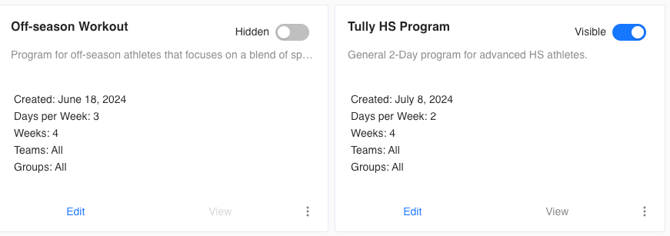
On the left sidebar of Tully, navigate to the Programming section and select the Programs feature.
From here, choose the program of interest and click edit.
Step 2: Locate the Exercise
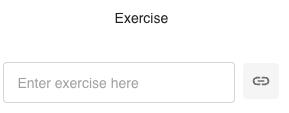
Within your selected program, find the exercise you want to attach a video to.
Click the link 🔗 icon next to the exercise name.
Step 3: Add the Video Link
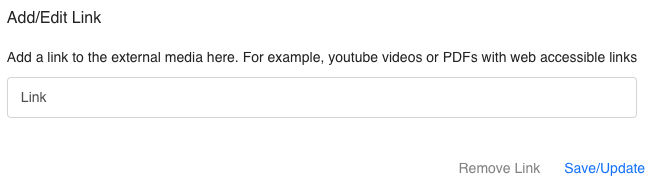
A pop-up box titled Add/Edit Link will appear.
Paste your video URL (for example, a YouTube or Vimeo link) into the Link field.
Click Save/Update to attach the link to that exercise.
Step 4: Remove or Update a Link
If you want to change or remove the current link, click the Remove Link button.
You can then add a new video link and click Save/Update again.